
Android and ADB
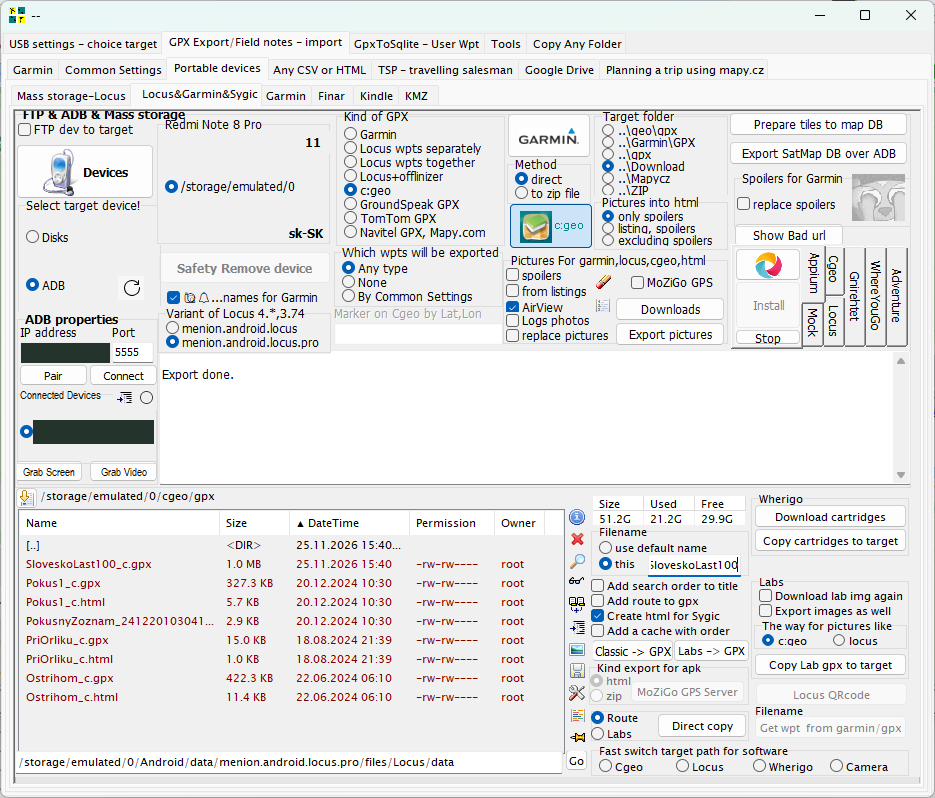
Transfer files and geocaching data from MoZiGo to a connected Android device using Android Debug Bridge (ADB).
What you can do
- See which Android devices are connected and select the destination.
- Transfer files, cache listings and images to the selected device.
- MoZiGo can transfer the data automatically during an export for MoZiGoGPS.
Example
Before a trip, connect your phone, select it in MoZiGo and transfer the listings and images you prepared.
Screenshots
Related video tutorials

Transferring data between a phone and MoZiGo over Wi-Fi
Transfer data between a computer and a phone using ADB Wireless.
Watch on YouTube
Exporting to connected devices
The export screen, ADB transfers and the AirView display.
Watch on YouTube